


PING
You are blind in the abyss.
You are piloting a submarine through a pitch-black ocean. A freak storm has thrown you off course, and destroyed most of your systems. Your only way to navigate is your sonar, but you know something else lurks in these waters... Something unfriendly...
The Objective
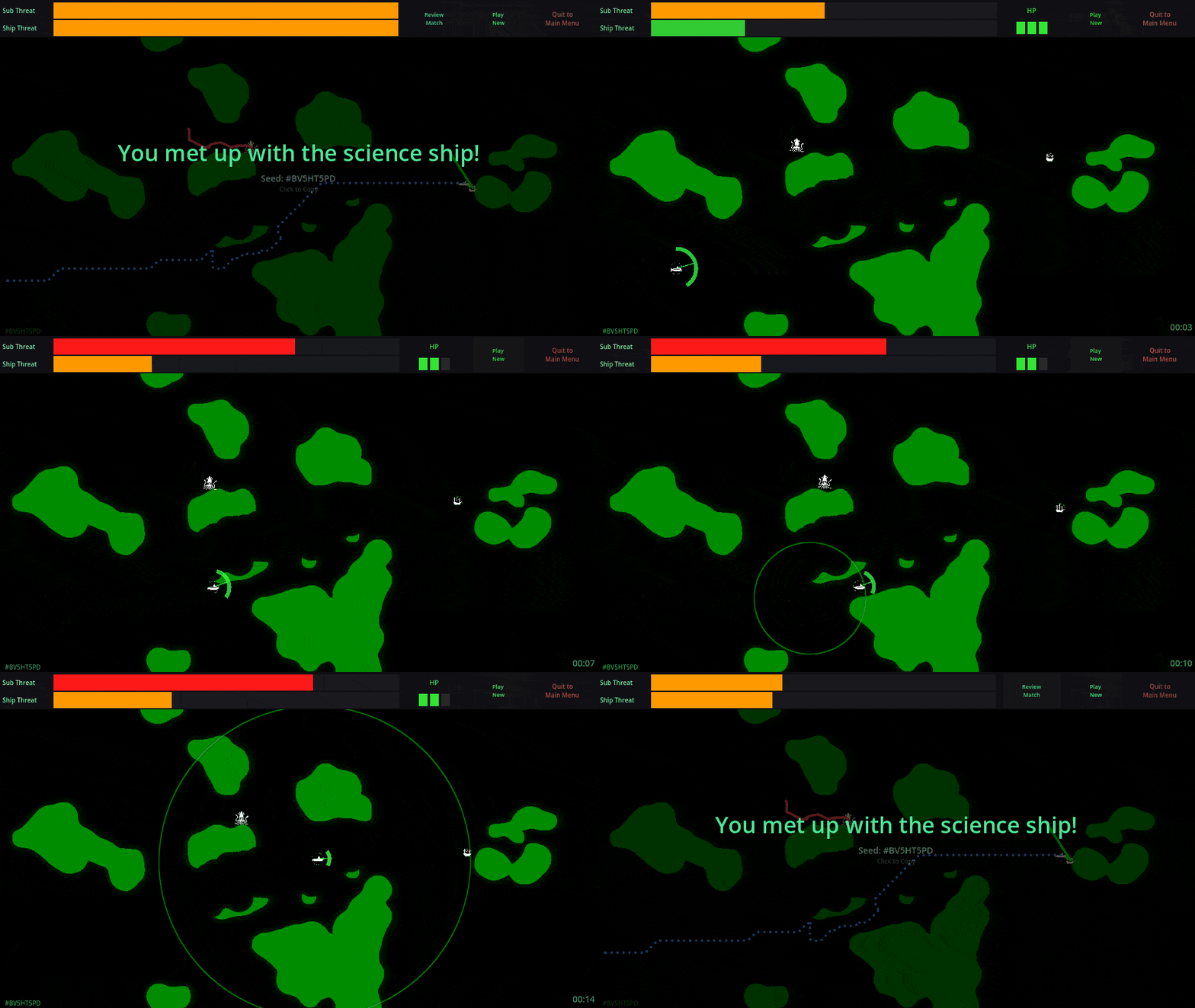
Navigate the randomly generated map filled with islands. But they are the least of your danger. Reach your science ship before danger finds you.
The Mechanics
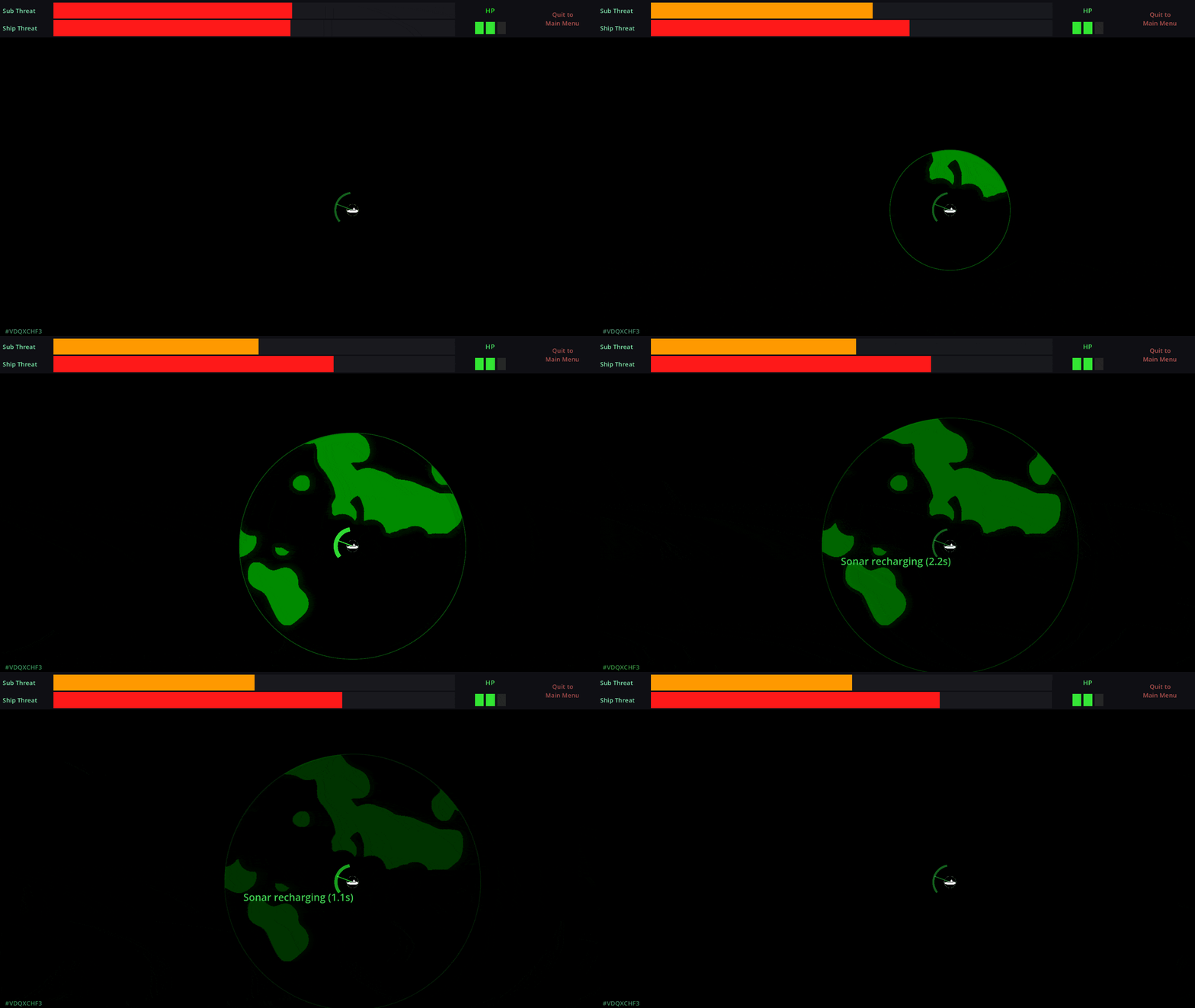
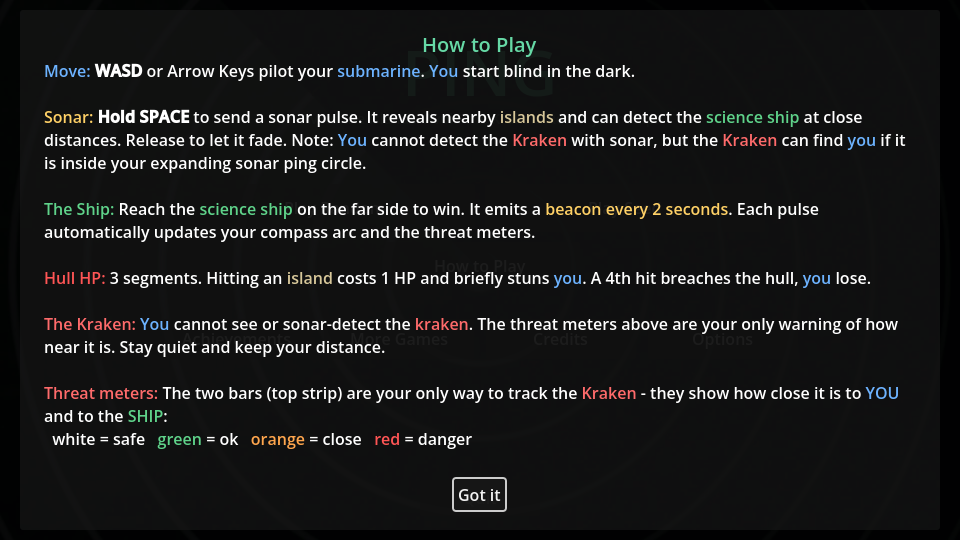
- Ping to See: Hold SPACE to send a sonar pulse. It reveals nearby islands and the science ship, but it also reveals you.
- Science Ship: Your companion. They lost engines in the freak storm and are adrift in the ocean. But their instruments are working, and they CAN detect the Kraken. So every 2 seconds, they send out a beacon pulse, alerting you to their direction, as well as informing you about how close the Kraken is to both of you.
- The Kraken: You cannot detect the Kraken with your sonar. It is silent, invisible, and always closing in. If it gets you or your science ship, you lose. Irritated by your sonar and the science ship's pulse, it is hunting both of you.
- Beware: Your only warning is the threat meter. If you ping while the Kraken is near, you might just be ringing the dinner bell. And of course, as any submarine captain knows, DO NOT collide with the islands. Well, more than 3 times, anyway.
Can you reach the science ship before you become prey?
Notes: Each round has a unique seed it is based on. If you face any errors, please leave a comment with the seed.
If the game crashes, the log file is saved in your browser's hidden storage. Please follow these steps to retrieve it:
- Open Developer Tools: Press F12 on your keyboard (or right-click the page and select Inspect).
- Find the Application Tab: Click the Application tab at the top of the window that opens. (If you do not see it, click the
>>icon to see more tabs). - Locate the Log:
- On the left sidebar, expand IndexedDB.
- Expand IDBFS.
- Click on the entry named FILE_DATA.
- Look through the list on the right for your log file (i.e.,
Ping.log).
- Copy the Log: Click on the file entry to see its content, then copy the text and send it to me.
I hope you like it!
Download
Click download now to get access to the following files:
Leave a comment
Log in with itch.io to leave a comment.